
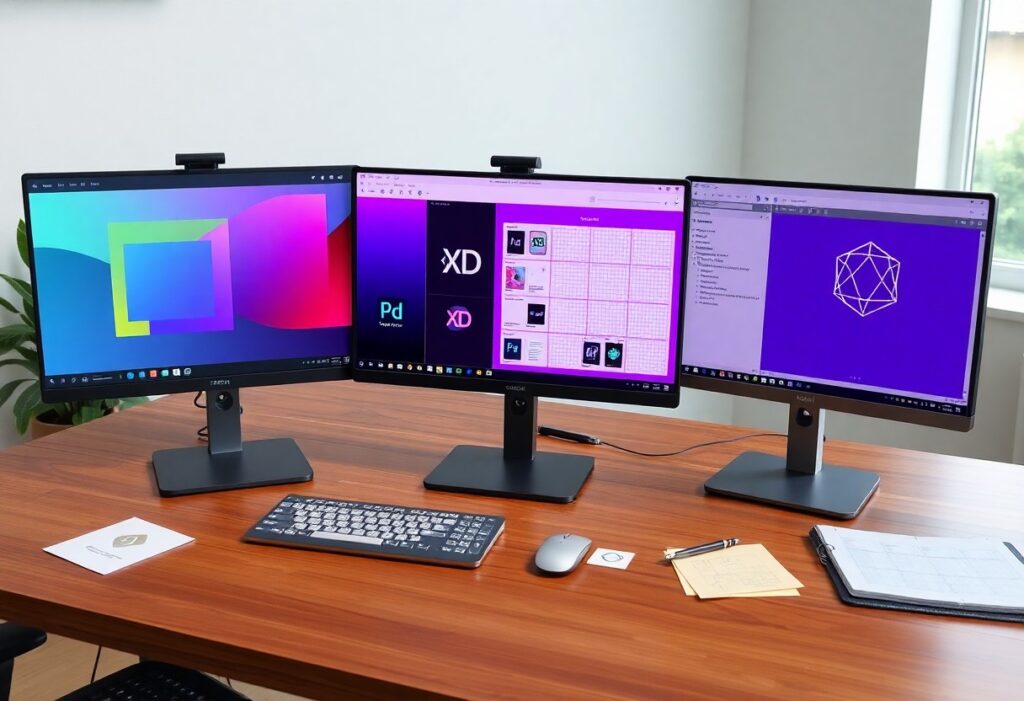
There’s a clear choice to make when selecting a design platform, and your business needs dictate the best fit. Figma excels in collaboration and real-time editing, Adobe XD integrates smoothly with Creative Cloud, and Sketch offers powerful vector tools for macOS users. You must weigh features, team size, and workflow demands to decide which tool aligns with your goals.
The Figma Frontier
Figma redefined how design teams operate by anchoring everything in the browser. You no longer need high-end hardware or specific operating systems to contribute. Your workspace loads instantly, behaves consistently, and stays accessible across devices without friction. Collaboration isn’t an add-on-it’s built into every layer of the tool. You interact with designs the way developers interact with code: openly, in real time, with full visibility. This shift doesn’t just change workflows; it reshapes team dynamics.
The browser is the workshop and it works on any machine. You do not wait for files to sync.
Speed comes from simplicity. You open a tab, log in, and jump into the design-no installations, no version conflicts. Every change saves automatically, and your team sees updates instantly, regardless of their device.
Platform limitations fade when the browser becomes your studio. You’re no longer tied to a single machine or waiting for handoffs. Work flows freely because the tool stays out of your way.
Men work together in the same space at the same time. You see their cursors and it is honest work.
Real-time collaboration means you’re not just sharing files-you’re sharing presence. When a teammate moves a button or adjusts a font, you see it happen live, like standing beside them at a whiteboard.
This visibility builds trust. You know who’s doing what, and there’s no guesswork about progress or ownership. Design becomes a shared effort, not a series of isolated revisions.
Seeing cursors move across the canvas creates a sense of shared purpose. It’s not just about efficiency-it’s about connection. When you watch a colleague tweak spacing in real time, you’re not reviewing work after the fact; you’re part of the act. This immediacy reduces miscommunication and accelerates decisions, making the process feel alive and accountable.
The Adobe XD Legacy
Adobe XD built its reputation as a streamlined tool for interface and experience design, fitting naturally within Adobe’s ecosystem. It emerged as a response to evolving digital workflows, offering vector-based design and prototyping in one space. You likely encountered it while exploring alternatives that integrate smoothly with tools you already use. Its development reflected Adobe’s strategy to unify creative workflows. While it never reached the dominance of Photoshop or Illustrator, it carved a niche among teams already invested in Creative Cloud. Over time, however, shifting priorities within Adobe signaled a winding down of active development.
It belongs to the Creative Cloud. If you use Photoshop, you know this path and it is a familiar road.
Integration with Creative Cloud means your assets, fonts, and libraries sync across applications. Opening an XD file feels like opening any other Adobe project-no relearning, no friction. You access shared colors, character styles, and linked assets directly from your cloud libraries.
Working across Photoshop, Illustrator, and XD happens without exporting or converting. Drag a vector from Illustrator into your XD artboard and it stays editable. This familiarity reduces onboarding time and keeps your team focused on design, not tooling.
The prototypes move fast. You click and the screen changes. It does what it must without waste.
Prototypes respond instantly, simulating real app navigation with minimal setup. Auto-Animate and transition triggers work intuitively, letting you demonstrate flow without code. You link artboards, set triggers, and preview with a single click.
- Transitions happen in real time during presentations
- Micro-interactions require no third-party plugins
- Preview on devices is fast and reliable
This efficiency keeps stakeholder reviews focused on experience, not technical hiccups.
Adobe XD’s prototyping engine prioritizes speed and simplicity. Interactions are defined with point-and-click precision-no scripting, no delays. You set a tap trigger on a button, choose a transition type, and the destination artboard responds instantly in preview mode. Scroll groups simulate real content overflow, and voice prototyping adds another layer of realism for specific use cases. Even complex flows remain lightweight and performant.
- Auto-Animate creates smooth transitions between states
- Overlay panels support modal dialogues and menus
- Preview syncs across iOS and Android devices instantly
This makes XD a strong choice when rapid iteration and client demonstrations are priorities.
| Integration with Creative Cloud | Direct access to shared assets, fonts, and libraries |
| Real-time prototyping | Immediate preview of interactions and transitions |
| Auto-Animate feature | Smooth state changes between artboards |
| Cross-device preview | Live testing on mobile via iOS and Android apps |
| Vector editing | Consistent with other Adobe tools, minimal learning curve |
The Sketch Tradition
It is a tool for the Mac. It is a sharp instrument for a specific hand and it feels solid.
Sketch was built exclusively for macOS, and that focus shapes every interaction. You feel its precision in the way vectors respond and how the interface adapts to your workflow. This isn’t a cross-platform compromise-it’s a design environment fine-tuned for one ecosystem, giving you a sense of control that’s hard to replicate elsewhere.
Working within its native environment means fewer hiccups, faster performance, and deeper integration with Apple’s design guidelines. If your team uses Macs, Sketch becomes an extension of your machine, not just another app running on it.
Other men build plugins for it. These extensions make the tool reach further than it could alone.
Developers worldwide create plugins that expand Sketch’s capabilities far beyond its core functions. You can automate repetitive tasks, sync design systems, or export assets in custom formats with just a click. These tools are born from real-world needs, not corporate roadmaps.
Plugin ecosystems give Sketch a kind of adaptability few tools match. You’re not limited to what the creators imagined-you shape the tool to fit your process.
Popular plugins like Anima, Craft by InVision, and Runner transform how teams collaborate and prototype. Some streamline handoff to developers, while others bring data-driven design into the canvas. Because Sketch exposes its API openly, the community builds solutions that keep it competitive, even as larger platforms add native features. You’re not just using a design tool-you’re tapping into a living ecosystem shaped by thousands of designers just like you.
Financial Value
You pay the subscription every month. It is a cost of doing business and you must weigh the silver.
Every month, your card is charged, and that recurring fee adds up whether you use every feature or not. You’re investing in stability, updates, and access-benefits that matter, but only if they match your workflow. Think of it like rent: necessary, but only valuable if the space serves your needs.
Adding seats to the plan costs more. A large team requires a large purse to keep the tools sharp.
Each new designer you onboard means another monthly fee, and those individual costs compound quickly. Tools like Figma and Adobe XD scale with your team size, but so does the financial burden. You need to ask whether every contributor truly needs full access or if lighter roles could use simpler solutions.
Scaling your team shouldn’t mean blind spending. Some platforms offer viewer-only roles or reduced pricing for contributors who don’t need editing rights. You can maintain efficiency without overpaying-just be intentional about who gets what. Budgets grow faster when you assign licenses based on actual need, not default packages.
The Handoff Reality
Handoffs define how smoothly your team moves from design to development. Poor communication here creates delays, misinterpretations, and rework that eat into timelines. You’ve likely seen it-developers asking for specs already in the file, or designers surprised by how the UI renders in code.
What looks polished in a mockup often lacks the detail builders need to implement it accurately. Without clear spacing, font weights, or component states, assumptions take over. Your process suffers every time the bridge between design and code grows longer than it should.
The builders need the code. They look at the design and see the numbers that make it real.
Developers don’t interpret visuals the way designers do. They scan for pixel values, breakpoints, and class names-details that turn aesthetics into functional interfaces. When those numbers aren’t clear, they ask questions that slow progress.
You expect your designs to speak for themselves, but without structured specs, they don’t. Margin values, color hex codes, and responsive behaviors must be visible and consistent. Clarity here reduces back-and-forth and keeps momentum.
Good tools make the bridge short. When the bridge is short, the builders and designers do not fight.
Figma streamlines handoff with built-in developer mode, exposing CSS, spacing, and assets instantly. Adobe XD offers similar specs, though with less real-time collaboration. Sketch relies on third-party plugins, adding steps your team shouldn’t need.
Shorter handoffs mean fewer misunderstandings. You reduce friction when developers get what they need without leaving the tool. That alignment keeps projects moving and teams aligned.
Real efficiency comes when both sides work from the same source of truth. Figma excels here by letting developers inspect designs directly, pull code snippets, and track version changes in real time. When updates happen, everyone sees them immediately-no more outdated PDFs or missed Slack messages. This kind of transparency doesn’t just speed delivery; it builds trust between disciplines.
Strategic Selection
Your design tool choice shapes how teams collaborate, deliver, and adapt. Each platform offers distinct advantages, but the right pick depends on your company’s size, workflow, and long-term goals. You’re not just selecting software-you’re choosing an ecosystem that will support (or hinder) your creative process. Scaling effectively means aligning tools with team dynamics and project demands. A mismatch can slow progress, create friction, and increase costs. You need clarity on what your team actually needs, not just what the marketing promises.
Large companies need control and many people in one place. They choose the tool that scales.
Complex workflows demand structured environments where permissions, versioning, and integrations work predictably. You rely on consistency across departments and time zones, making stability non-negotiable. Figma often fits here, with its real-time collaboration and centralized design system management.
Enterprise needs go beyond features-they require audit trails, SSO, and admin controls. You can’t afford chaos when hundreds contribute to the same product. Adobe XD, with its Creative Cloud integration, may appeal if your organization already uses Adobe at scale.
Small shops need speed and agility. They choose the tool that does not break when the work is fast.
Startups and small teams move quickly, often pivoting based on feedback or market shifts. You need a tool that keeps up, not one that slows you down with complexity or crashes under pressure. Sketch works well for macOS-based designers who value plugins and lightweight performance.
Figma’s browser-based access lets you jump in from anywhere, share links instantly, and iterate without installing software. You don’t have time for setup-your focus is on shipping fast and learning faster.
When every hour counts, reliability under pressure becomes a competitive edge. You need a tool that stays out of your way during crunch time, handles rapid changes, and supports quick sharing with clients or developers. A smooth, crash-free experience means fewer delays and more momentum when launching products.
Summing up
From above, you see that Figma excels in real-time collaboration and cross-platform accessibility, making it ideal for distributed teams. Adobe XD integrates smoothly with Creative Cloud, benefiting businesses already using Adobe tools. Sketch remains a strong choice for macOS users focused on UI design, though its ecosystem is more limited. Your decision should align with your team’s workflow, platform preferences, and collaboration needs. Each tool has strengths-choose based on how it fits your daily operations.